
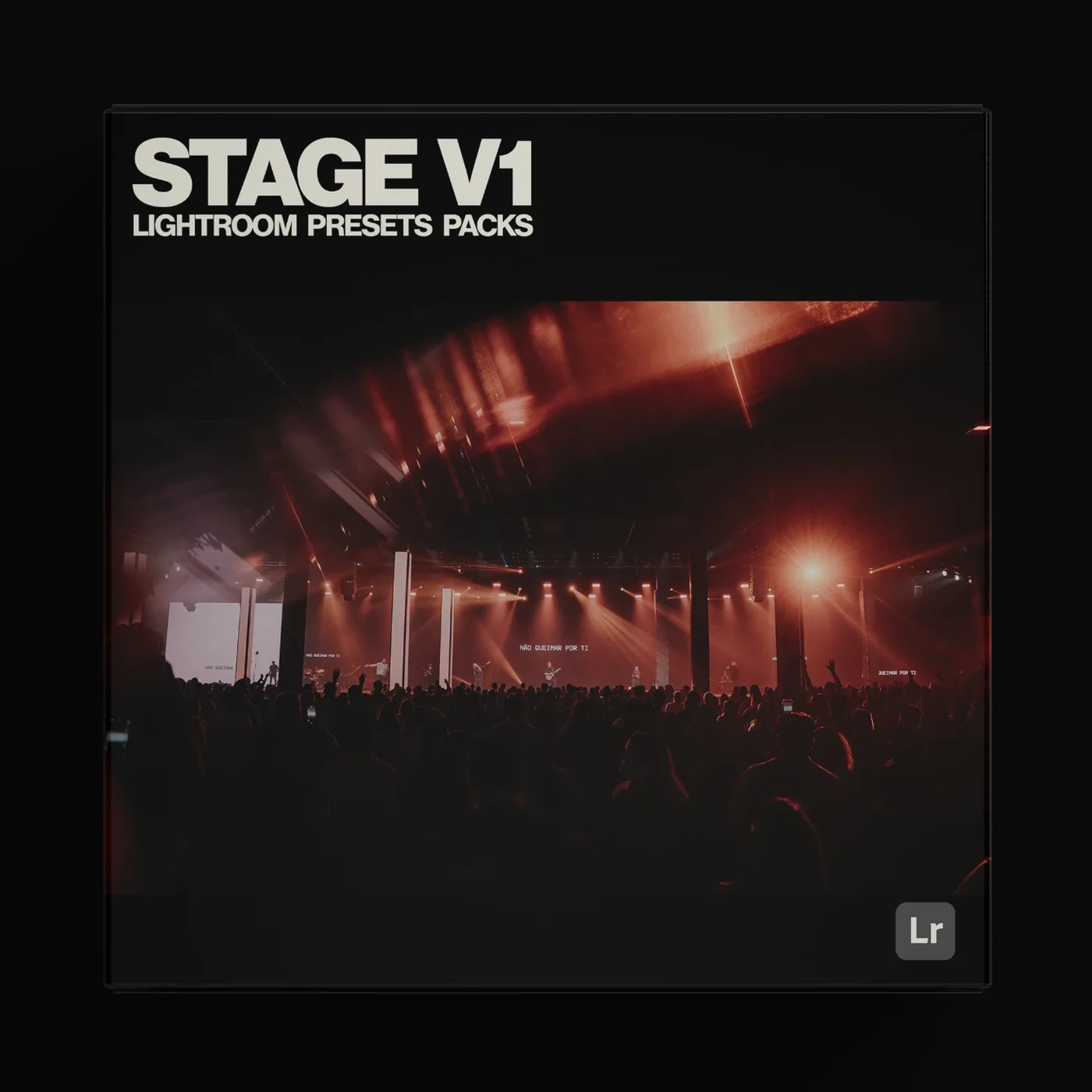
Pack Stage V1
One-time payment · Secure checkout by Kiwify · 7-day guarantee
Lightroom presets made for stage lighting.
Stage V1 by Lucas Parisi
Pack Stage is a pack of 6 Lightroom presets, made for editing concert, show and event photos. These presets are based on the style and colors I use in my own edits.
Note: the presets work on RAW (best) or JPG photos and must be used in Lightroom on desktop or in the mobile app (iPhone or Android), which you can download here.
They behave differently on every photo, depending on the light, the colors and how the image was captured. So you will most likely need a few basic tweaks after applying a preset (like white balance and exposure) to make it work perfectly on your photo.
What's included?
- 016 presets for Lightroom on desktop (.xmp files)
- 026 presets for the Lightroom mobile app (.dng files)
- 03Works with Lightroom Classic, Lightroom and the free Lightroom app on iPhone and Android
- 04Quick install guide for desktop and mobile
For the best results
The presets work on RAW (best) or JPG photos and must be used in Lightroom on desktop or in the mobile app (iPhone or Android), which you can download here.
They behave differently on every photo, depending on the light, the colors and how the image was captured. So you will most likely need a few basic tweaks after applying a preset (like white balance and exposure) to make it work perfectly on your photo.
Pick the preset closest to your stage lighting and tweak exposure and white balance until it matches your style.
Why use presets?
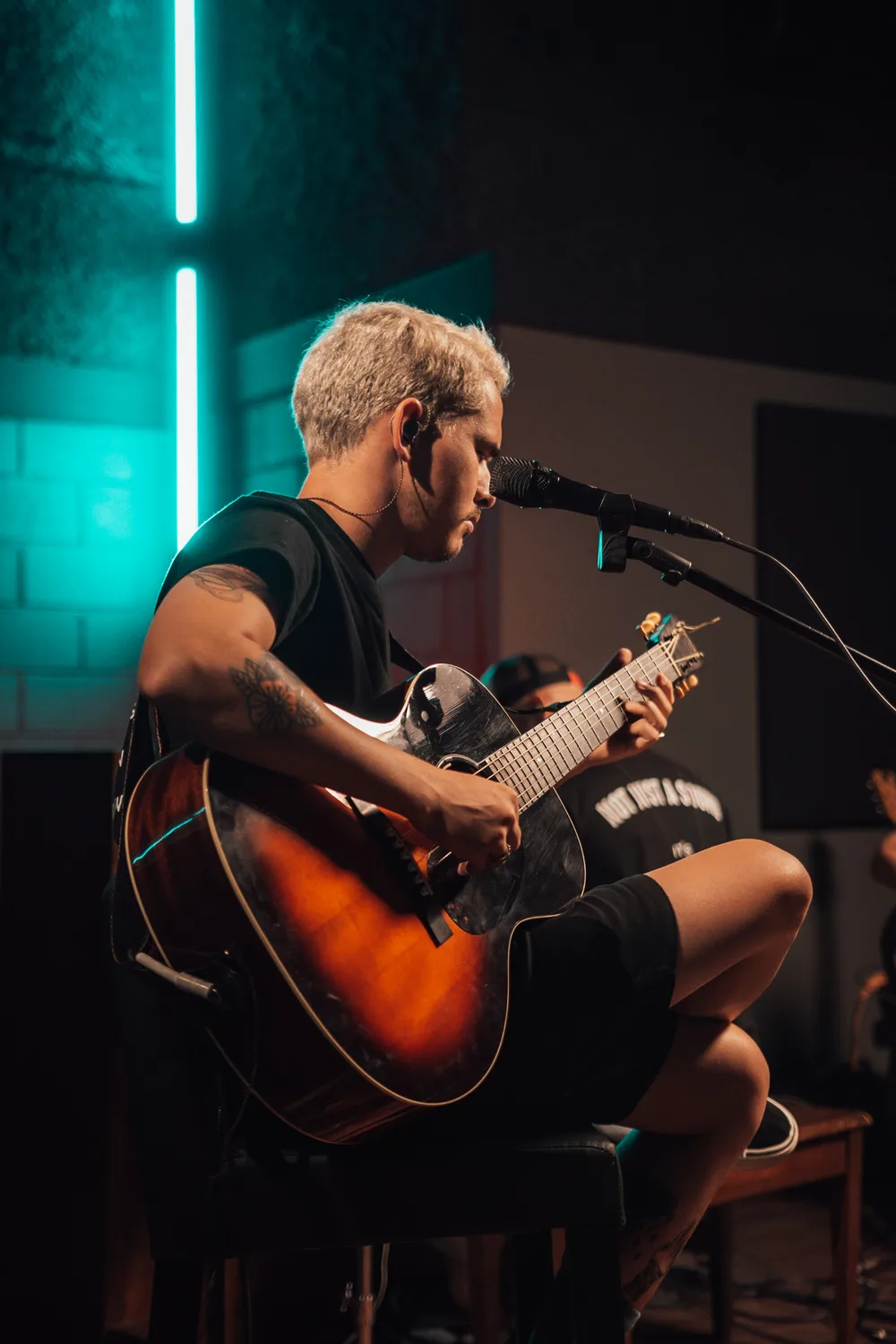
A preset stores a complete edit, color, contrast and tone, and applies it in one click. You start every photo from a point where it's almost done.
A consistent look
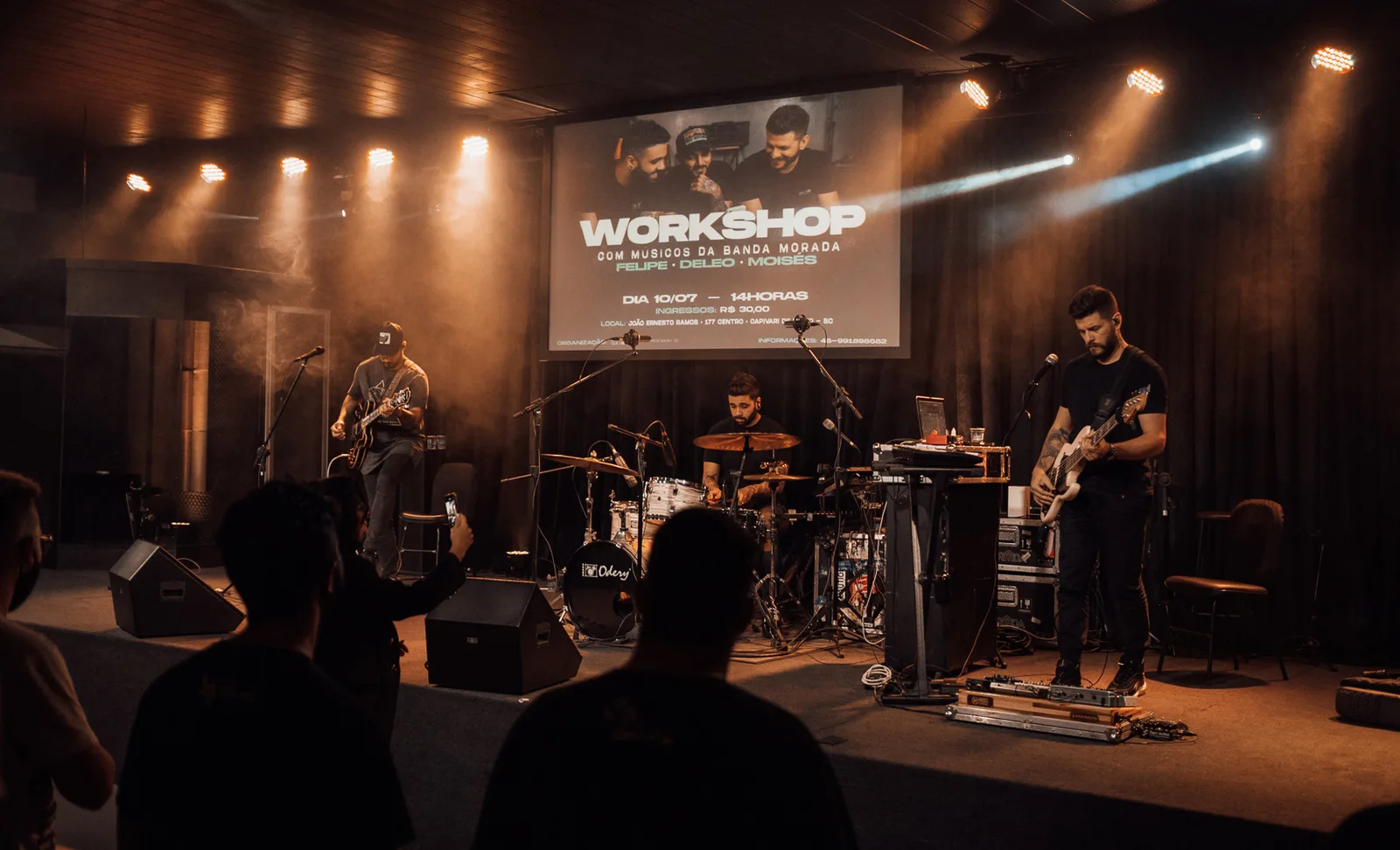
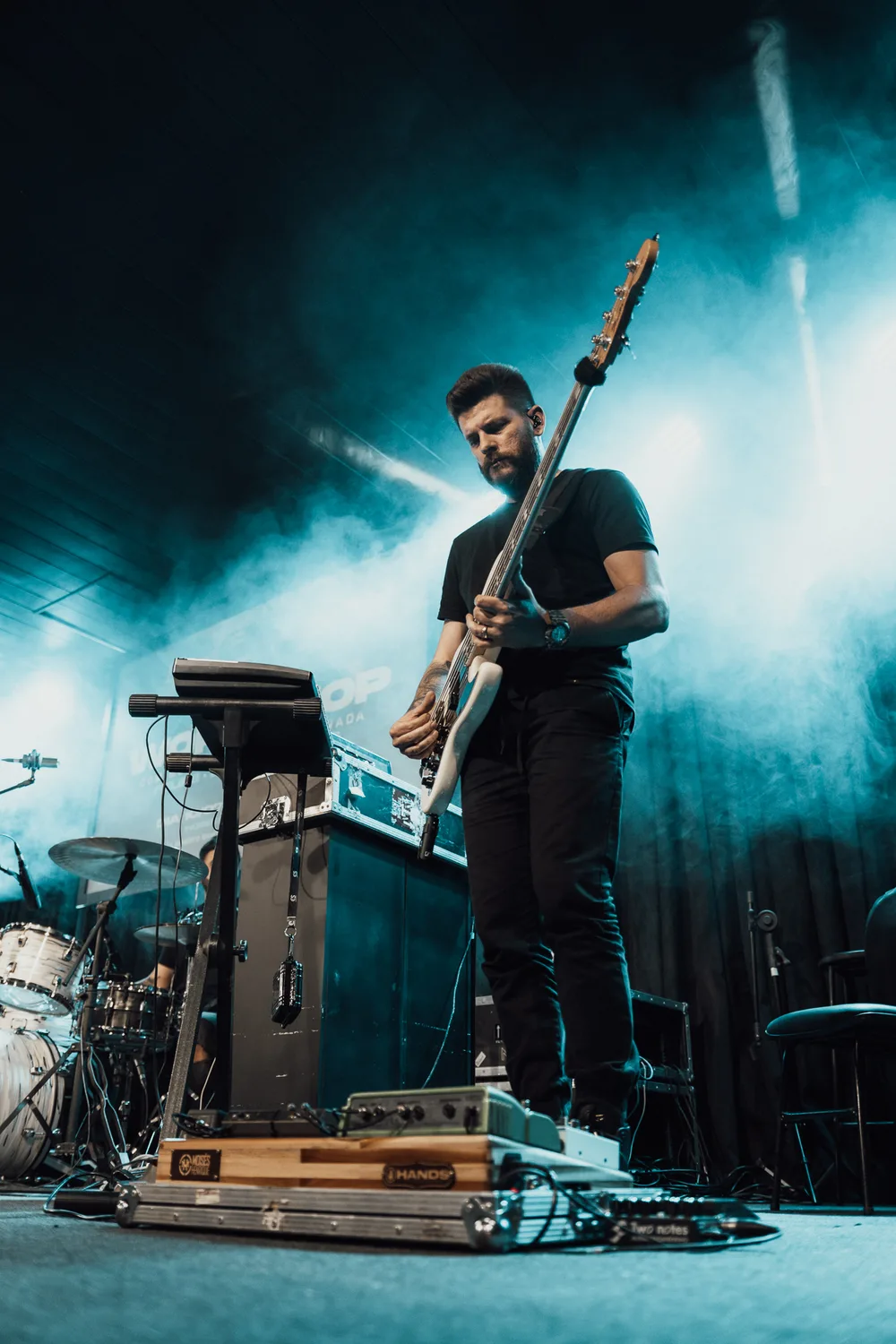
The hardest part of shooting stage is making a gallery feel like one story. Every song has its own lighting, every scene changes the color.
Stage V1 presets balance color and contrast across different photos and give you a solid base to fine-tune from.
Edit in minutes, not hours
Applying a preset is much faster than adjusting every photo by hand. At an event with hundreds of photos, or with several clients in the same week, that changes your delivery time.
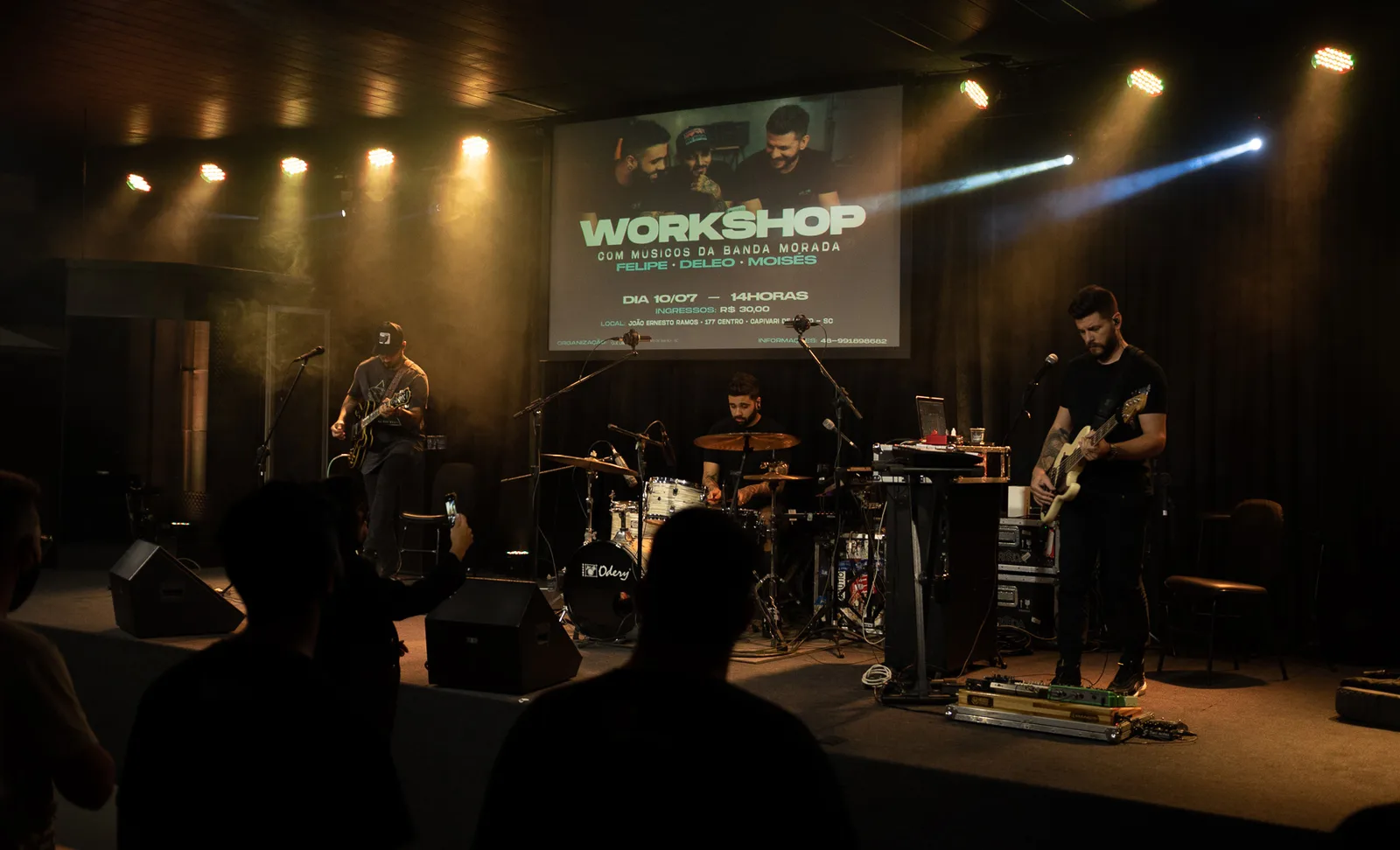 BeforeAfter
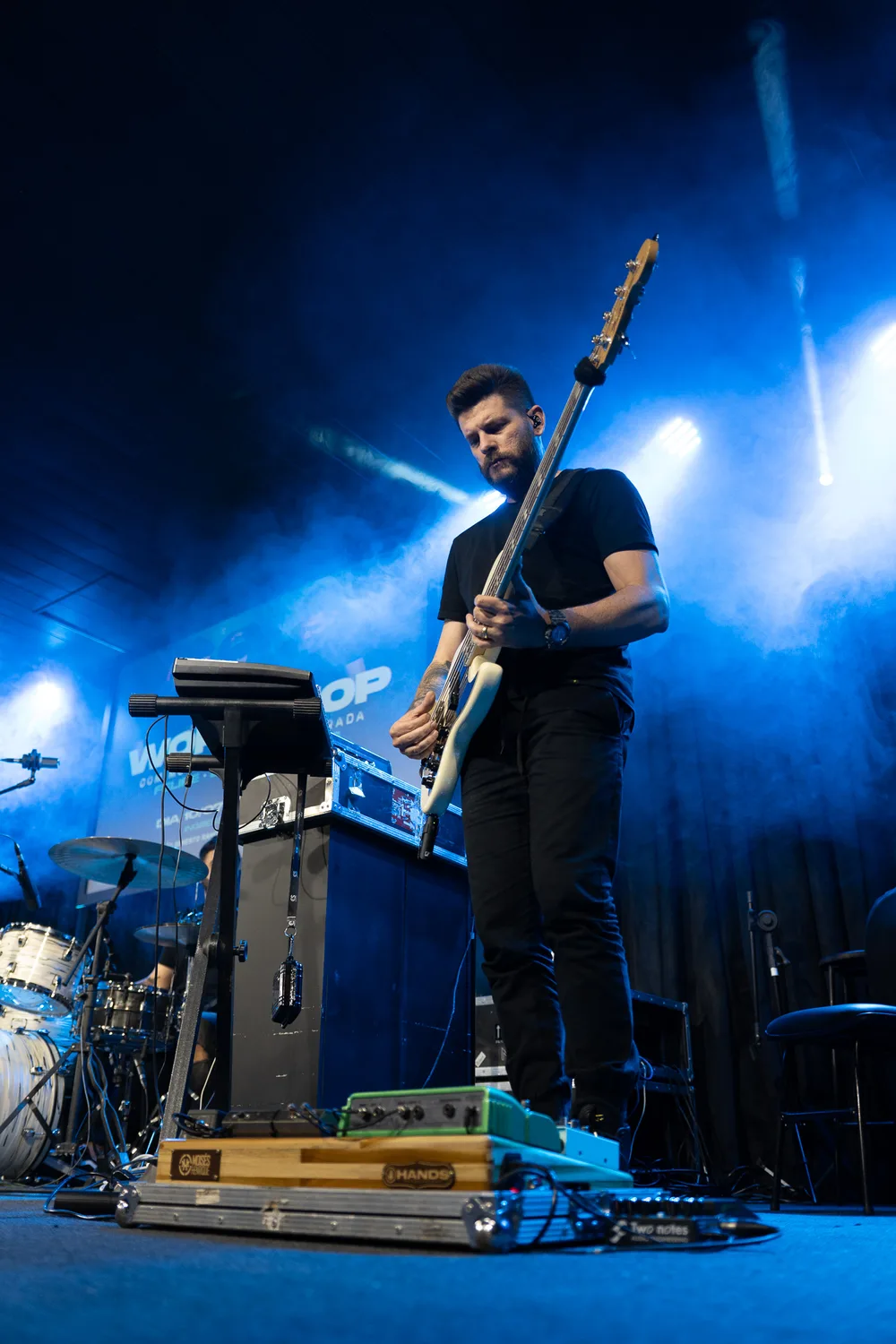 BeforeAfter
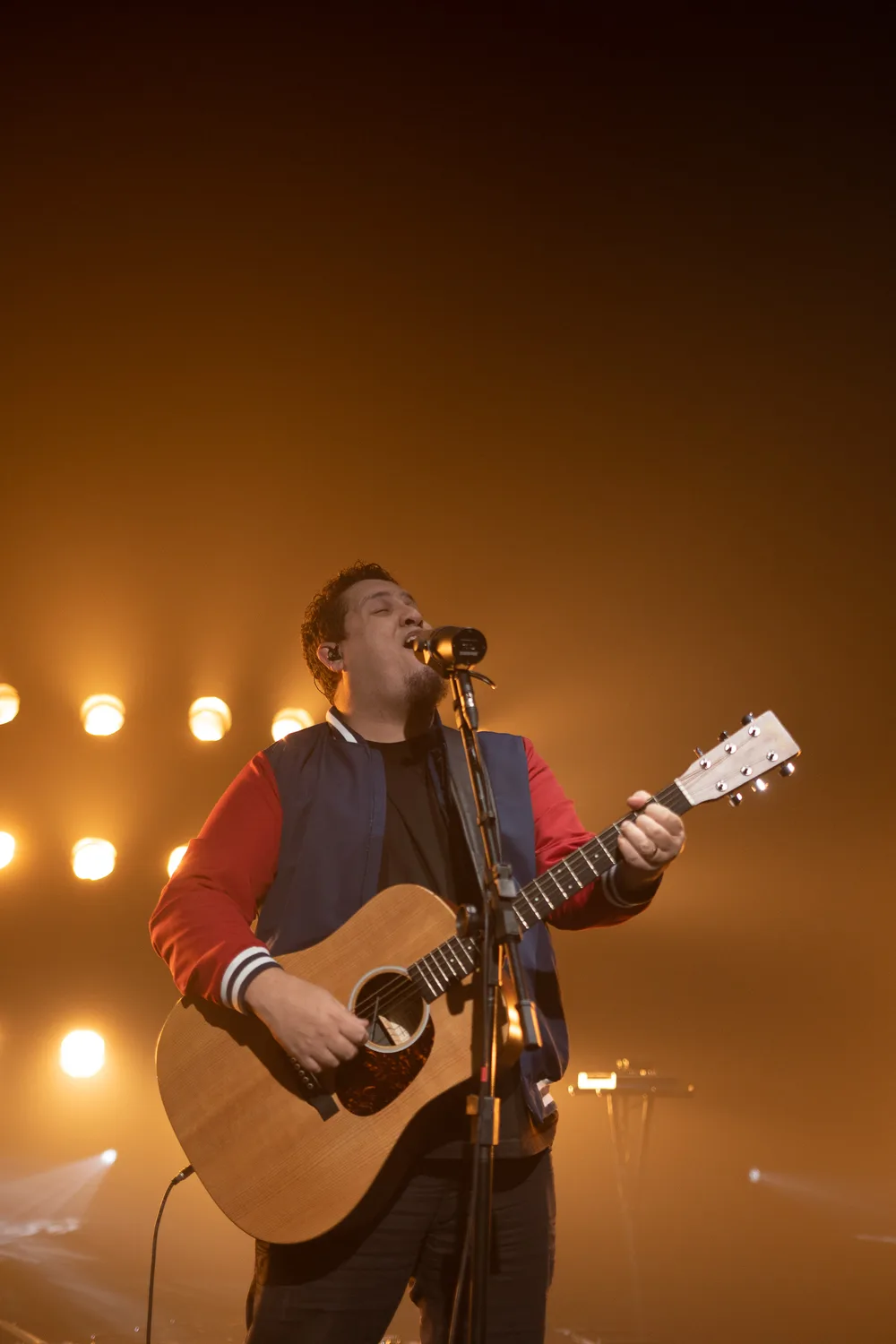
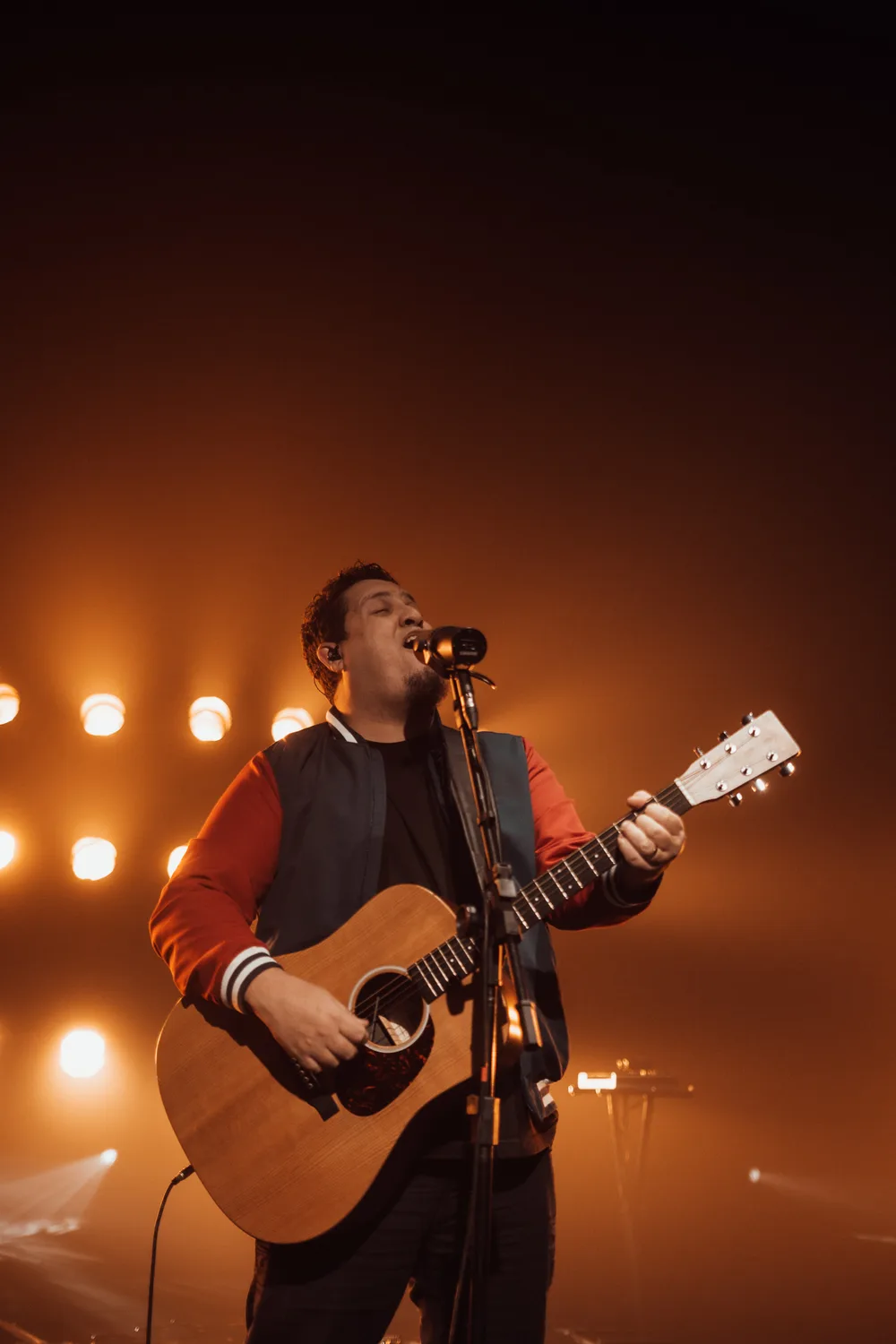 BeforeAfter
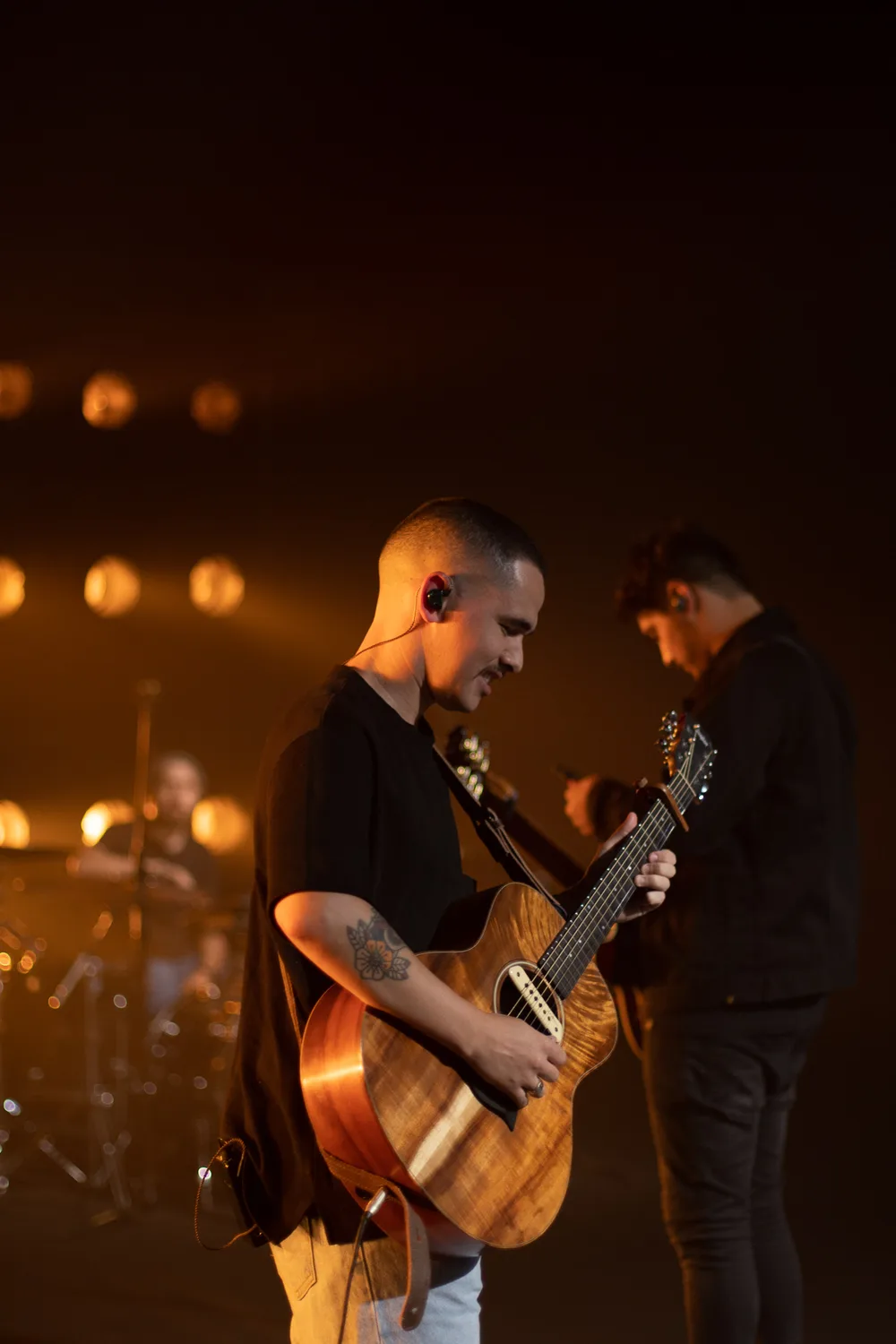
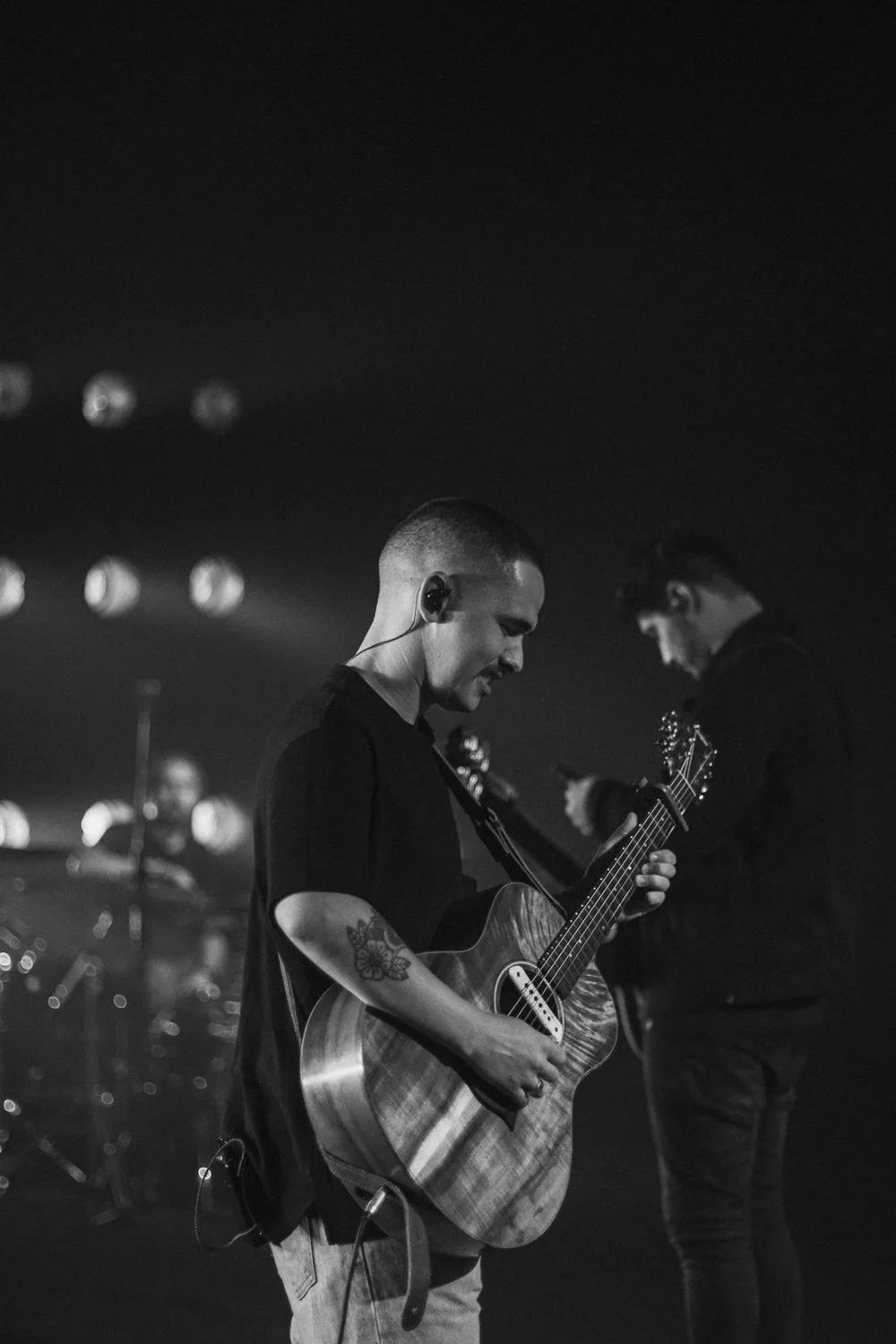 BeforeAfter
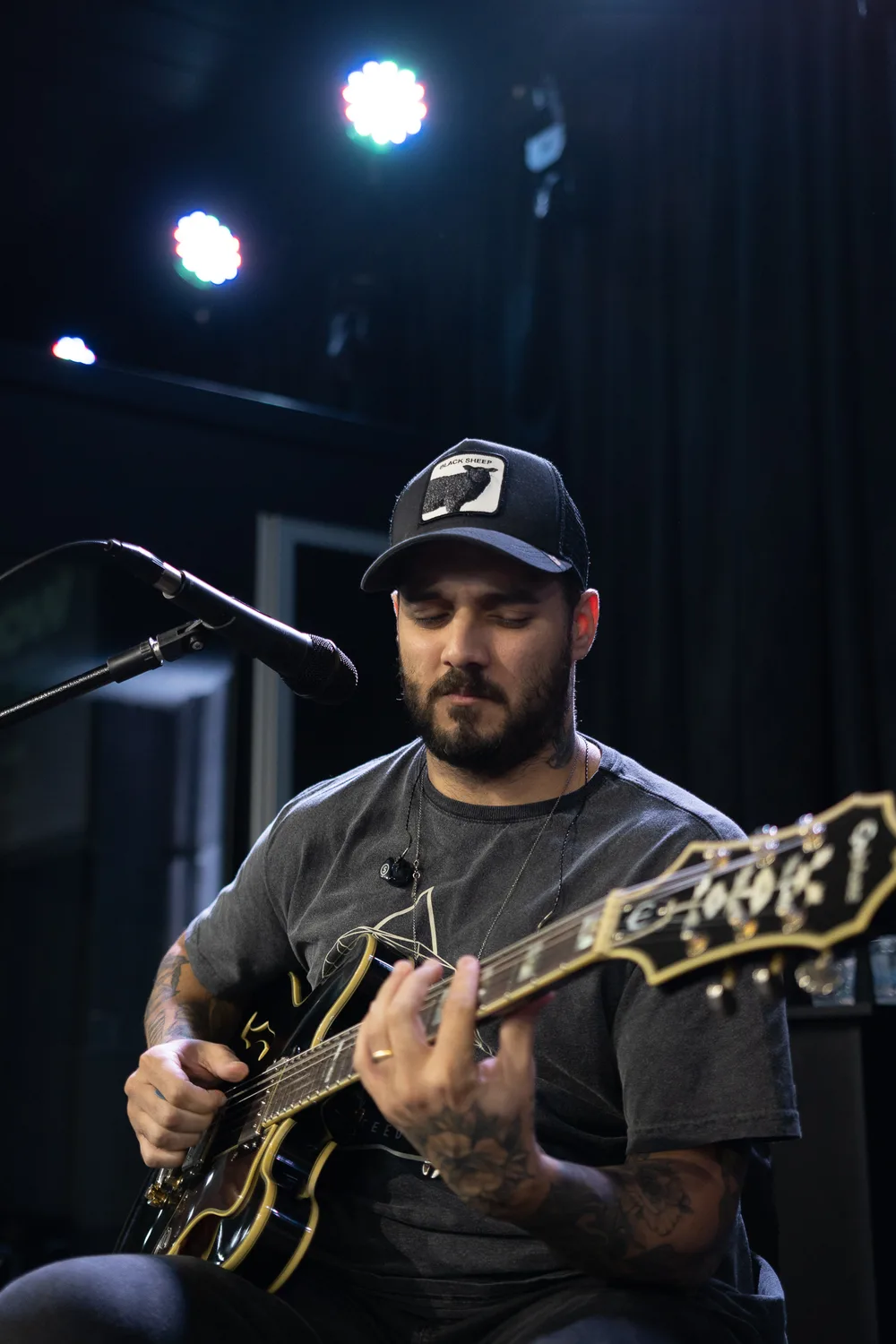
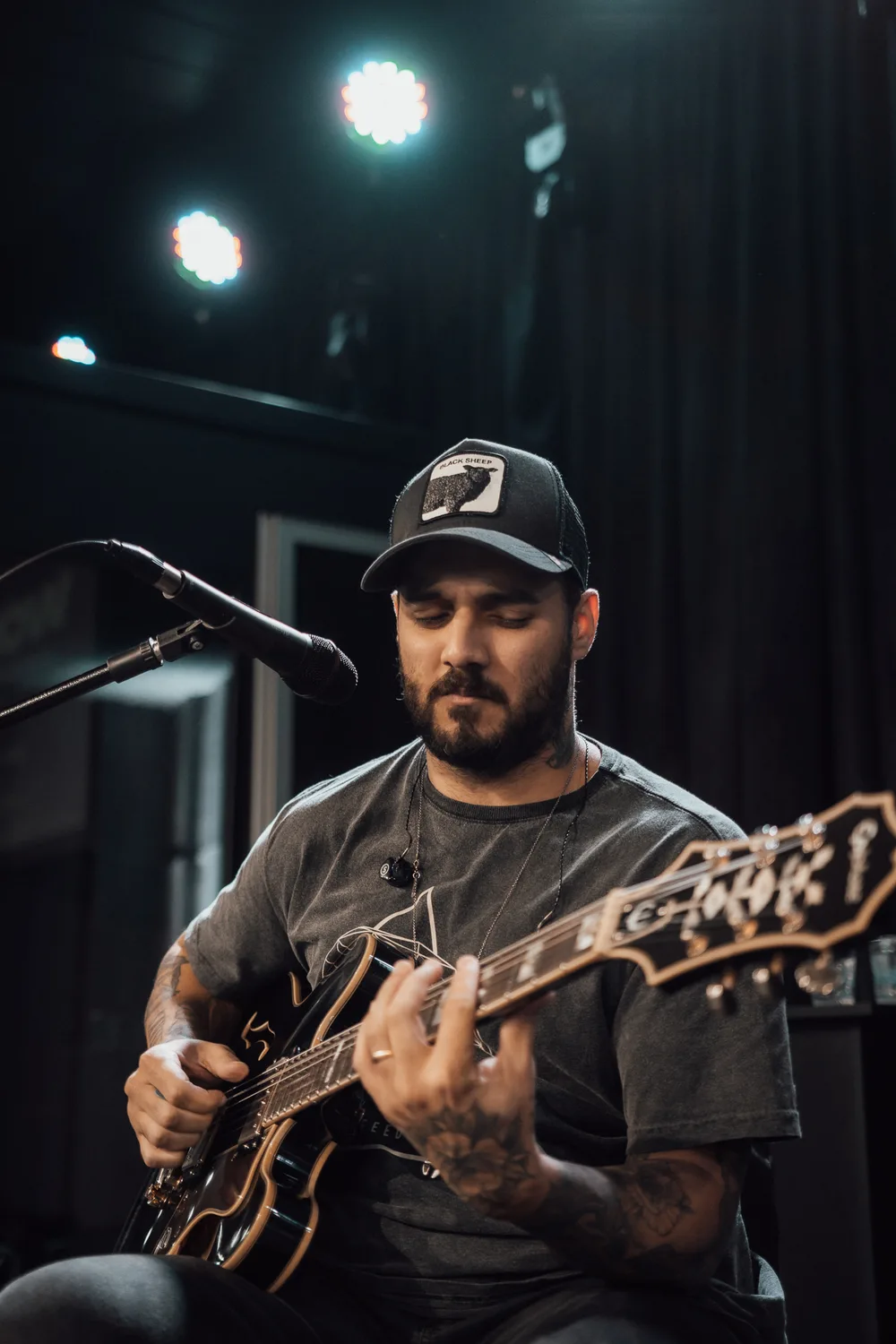 BeforeAfter
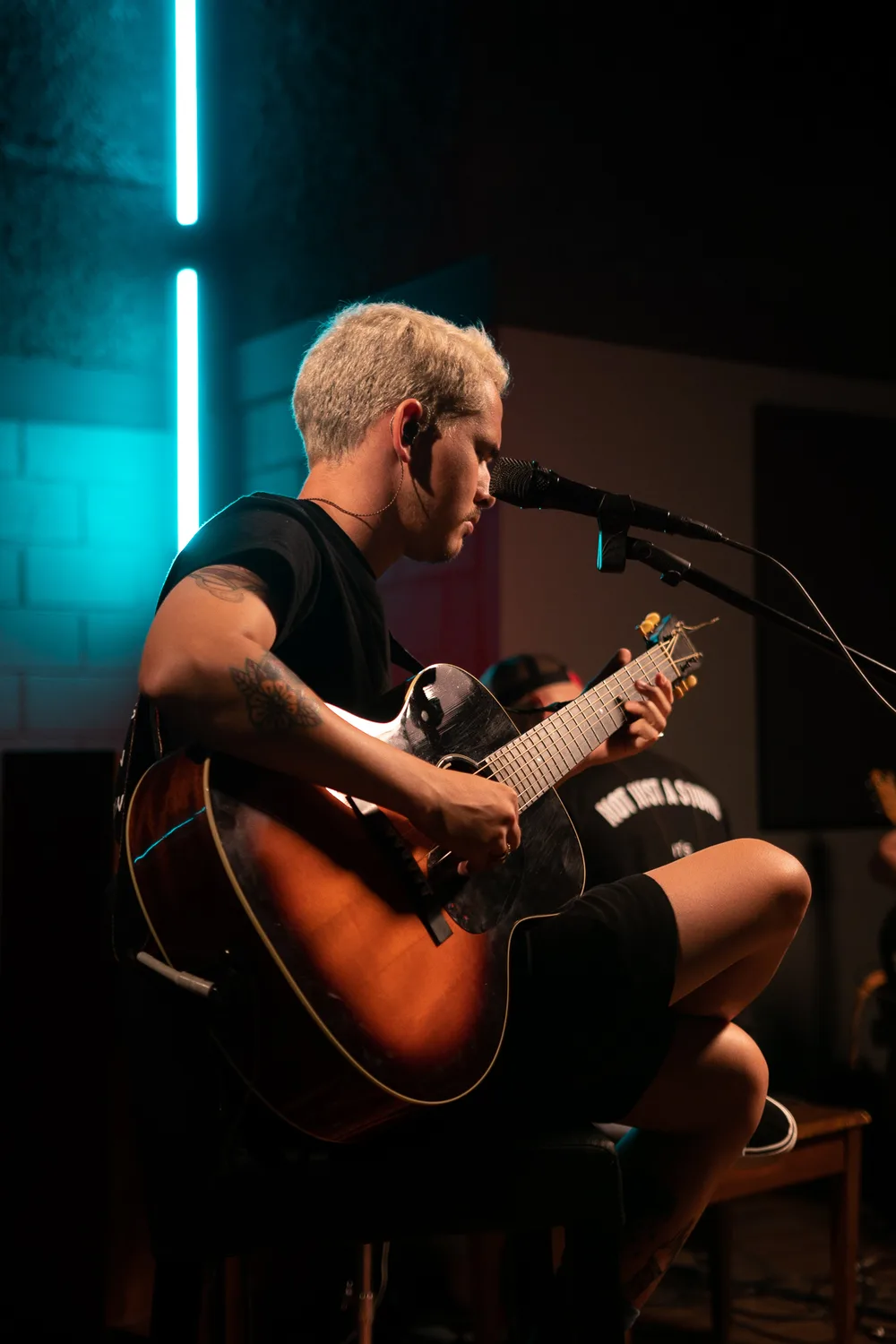 BeforeAfter
Stage color, effortlessly
Edit faster and deliver a gallery with the same look from the first shot to the last.
Buy ·FrequentlyAsked Questions
Yes. Every preset comes as an XMP file for Lightroom on desktop and as a DNG file for the Lightroom app on iPhone and Android.
On your phone, the free Lightroom app is enough. On desktop you need Lightroom Classic or Lightroom (Adobe Creative Cloud).
Yes. It works with RAW and JPG files from any camera Lightroom supports. RAW gives the best results.
As soon as your payment is approved you get access to the members area, where you download the files. It's instant.
Yes. If Stage V1 isn't for you, ask for a full refund within 7 days of purchase, by emailing bylucasparisi@gmail.com or through your Kiwify purchase receipt.